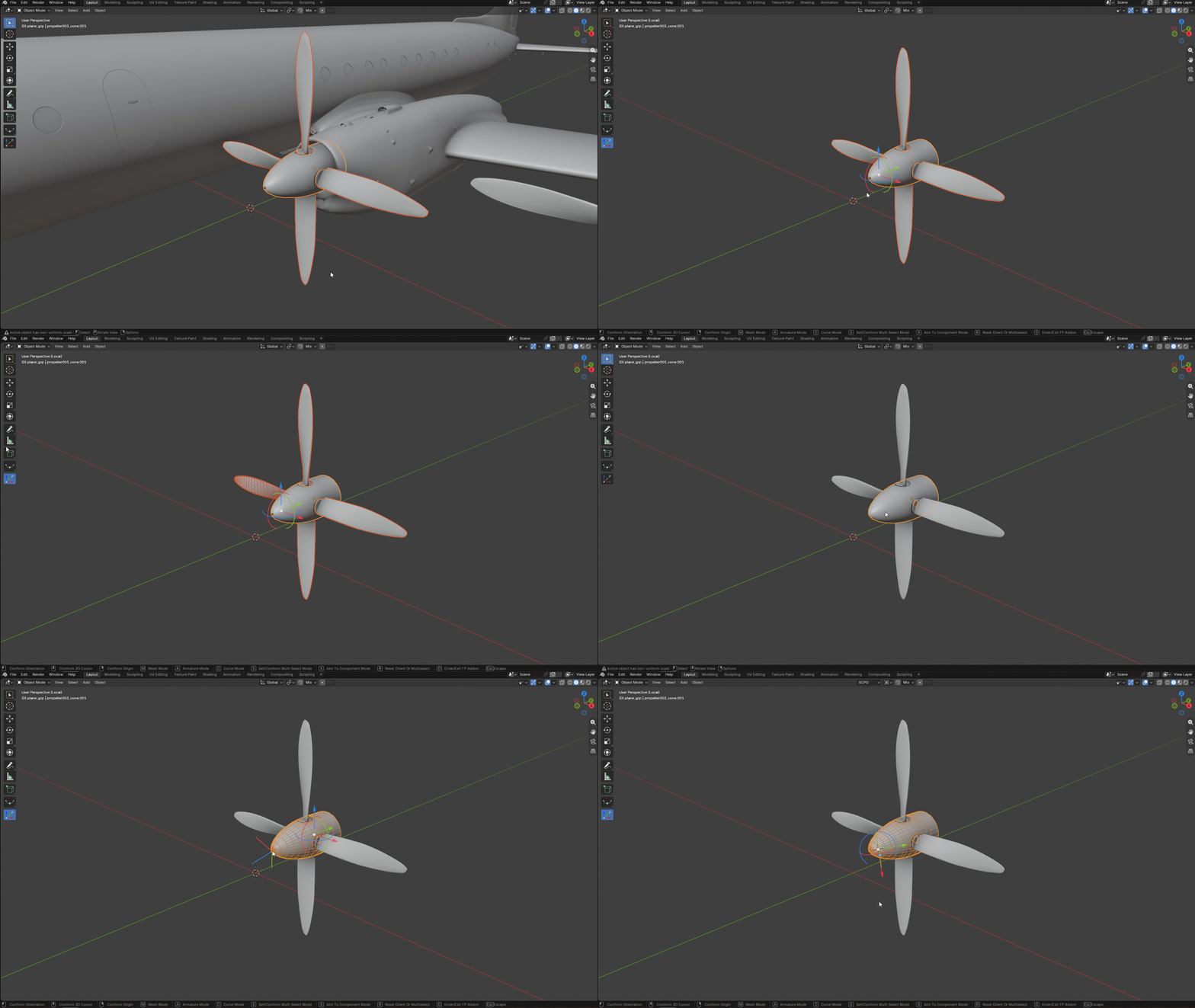
Quick start
The main addon action is conform one that executes changing Blender pivot Orientation and pivot Origin position, also 3D Cursor orientation and position. Separate or together depending on Combo settings.
Select object, press D or activate Friendly Pivot Tool in Blender toolbar then hover mouse cursor above necessary and highlighted component in a scene then:
* Press LMB to set new Pivot Transform Orientation or
* Press RMB to set new Origin position or
* Press MMB to set 3d Cursor orientation and position.
These shortcuts are changeable in the addon preference window.
Friendly Pivot Pro example below:
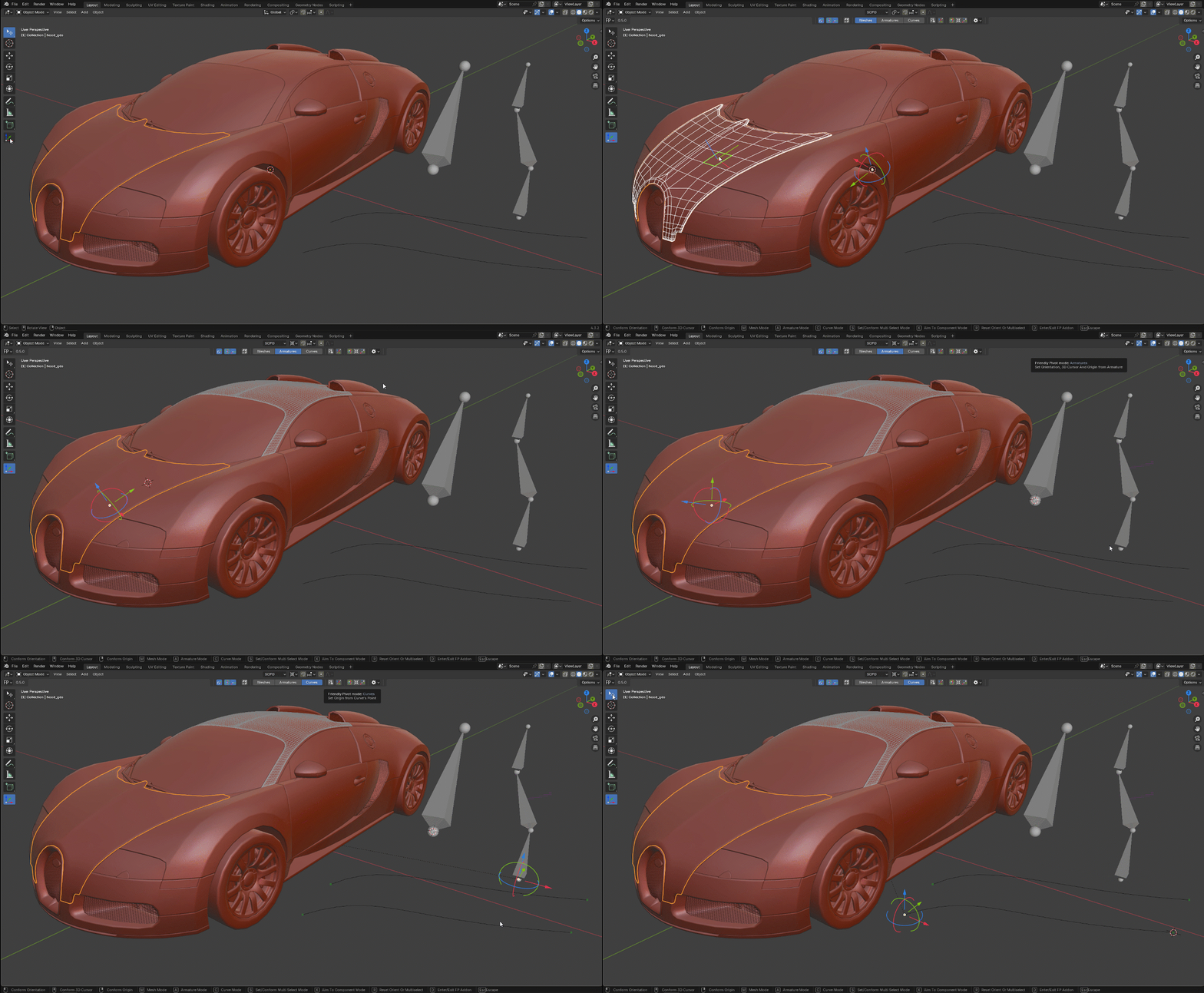
The addon also works in Blender’s Local View mode, but it only samples components from the currently selected objects.